
 Download


Explore Endless
Possibilities
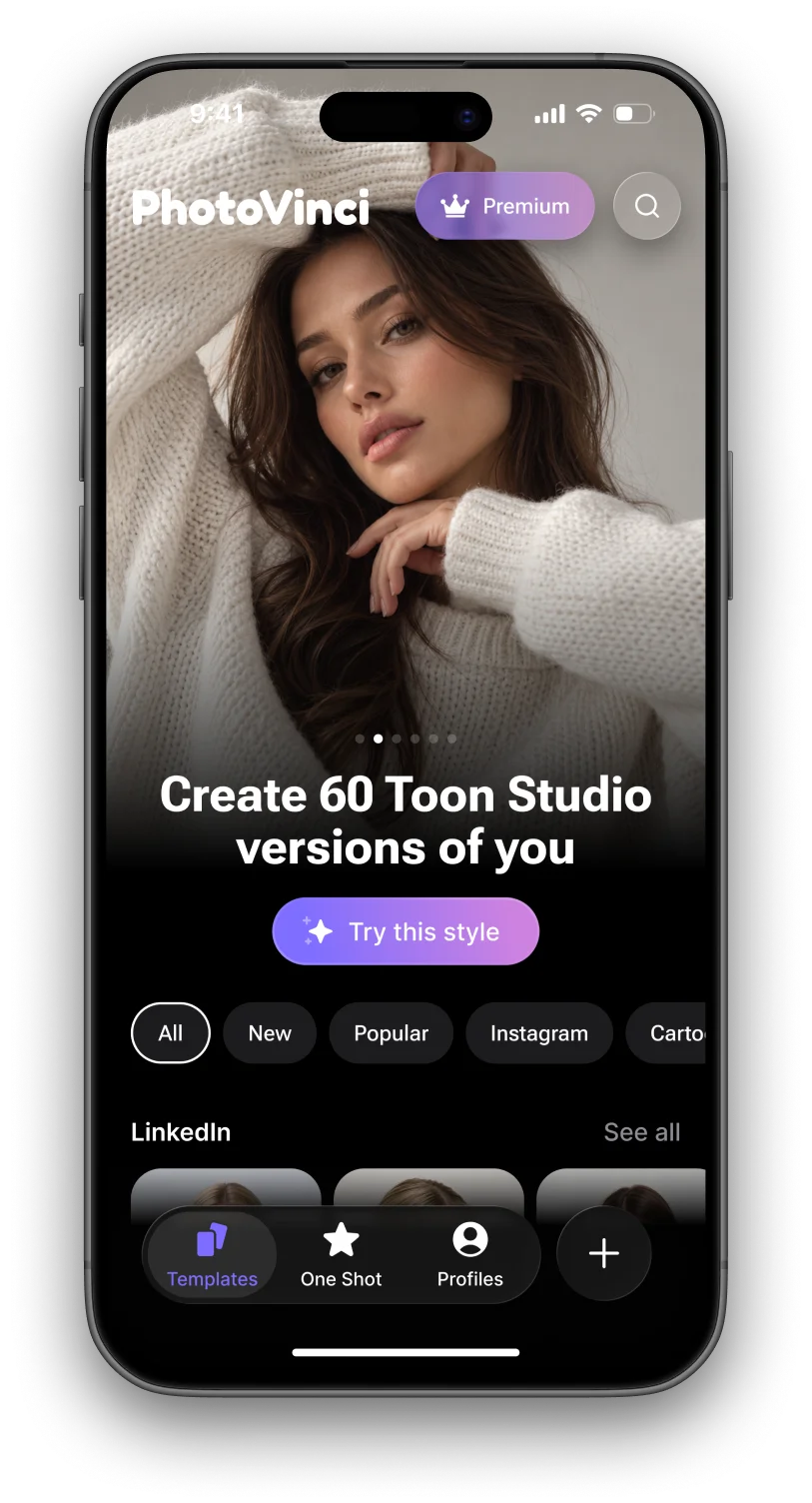
Discover a world of creative templates and styles. Find your favorite look and transform your photos in just a few taps.
 AI-POWERED IMAGE CREATION
Create stunning images of yourself in seconds. Explore styles, step into new scenes, and turn a single photo into visuals with PhotoVinci.
 Try this style
Discover new ways to transform your photos with PhotoVinci. Create unique visuals, explore different styles, and bring your ideas to life in seconds.
Discover a world of creative templates and styles. Find your favorite look and transform your photos in just a few taps.

Step into stunning AI-powered scenes. Choose a look, upload your photo, and see yourself in a whole new way.

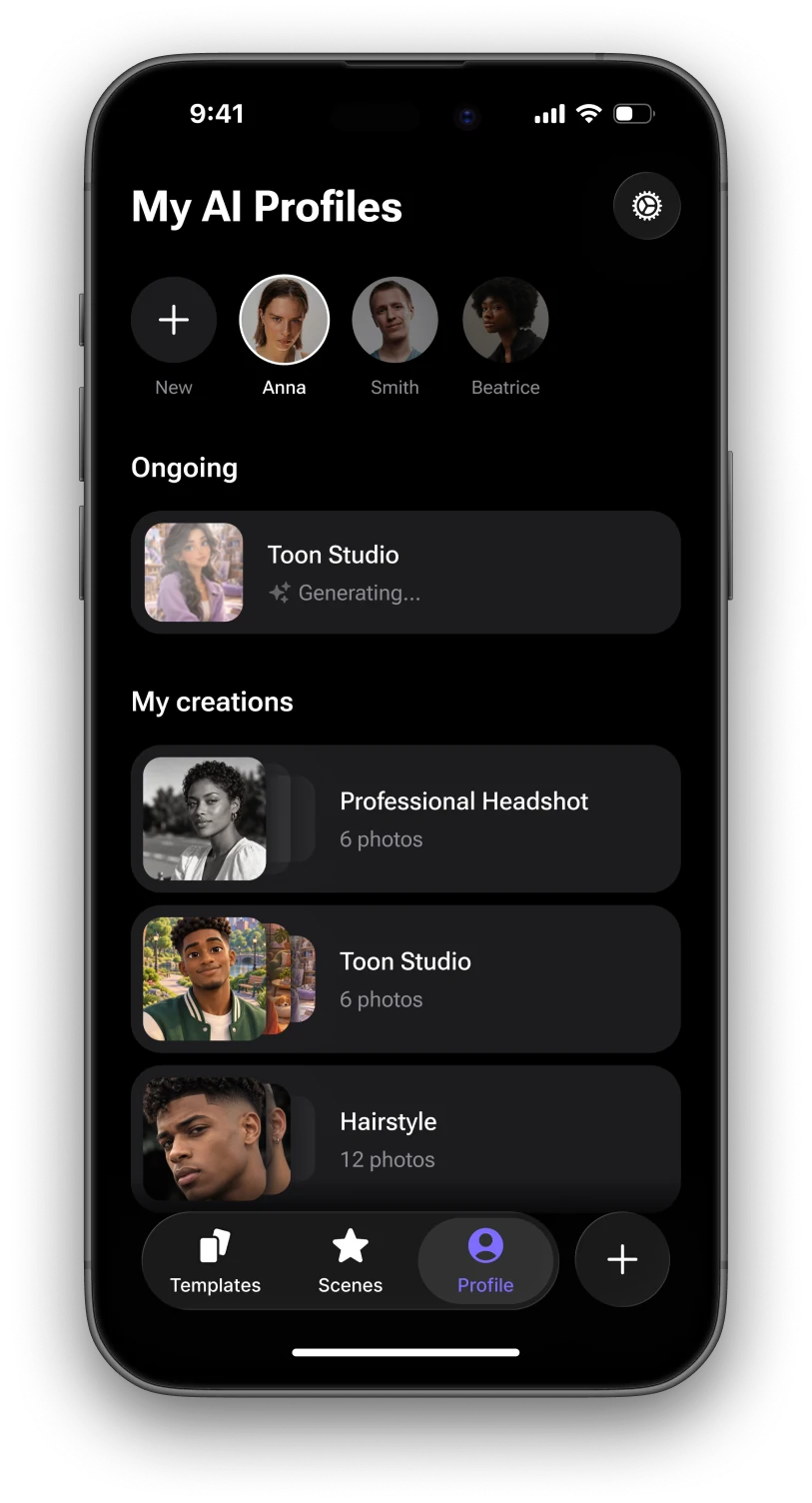
Create and manage multiple AI profiles with ease. Switch between them anytime and keep all your creations organized in one place.
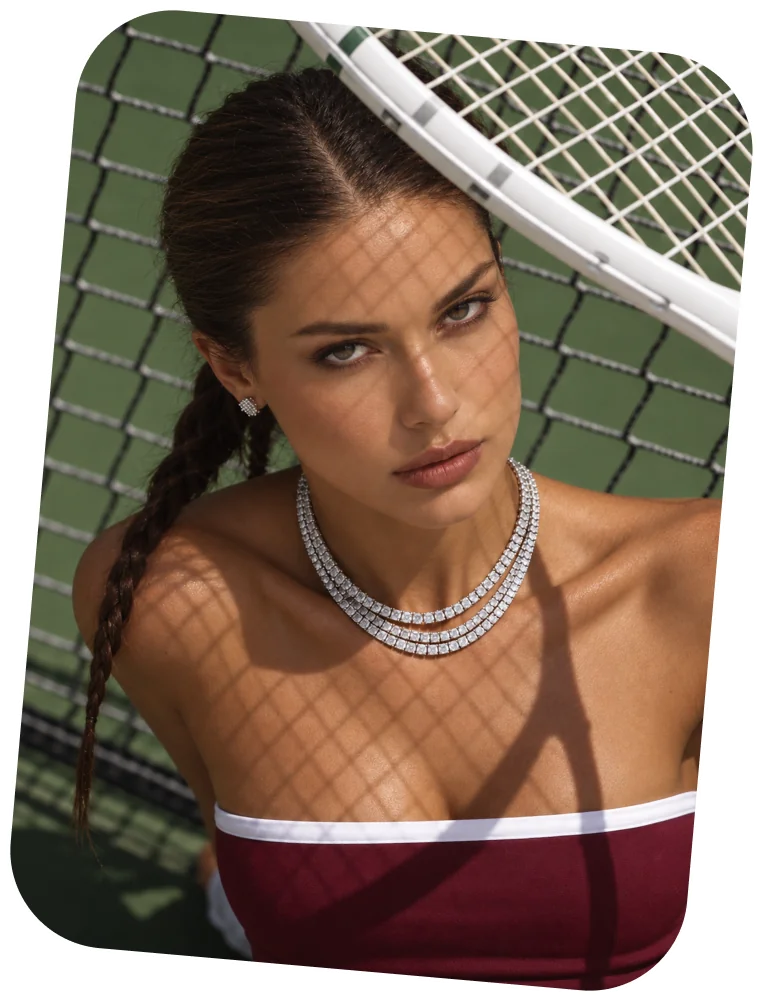
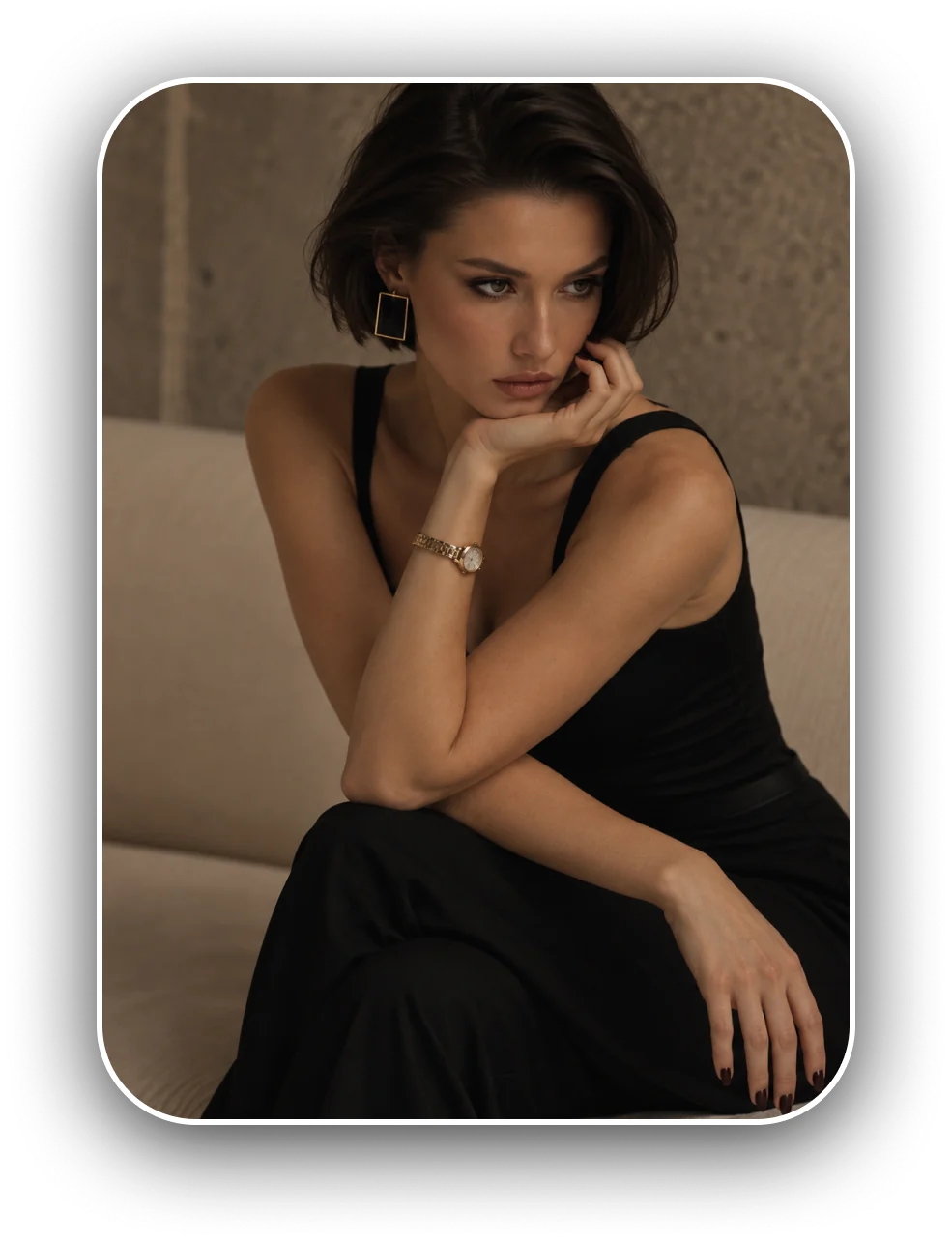
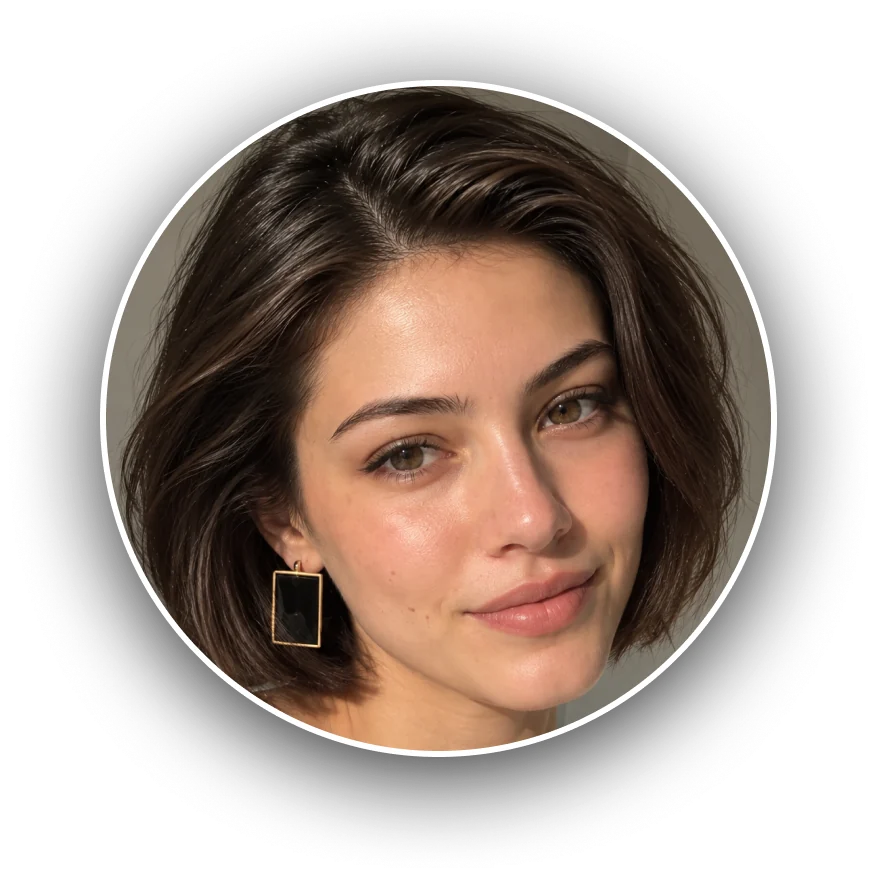
BEFORE
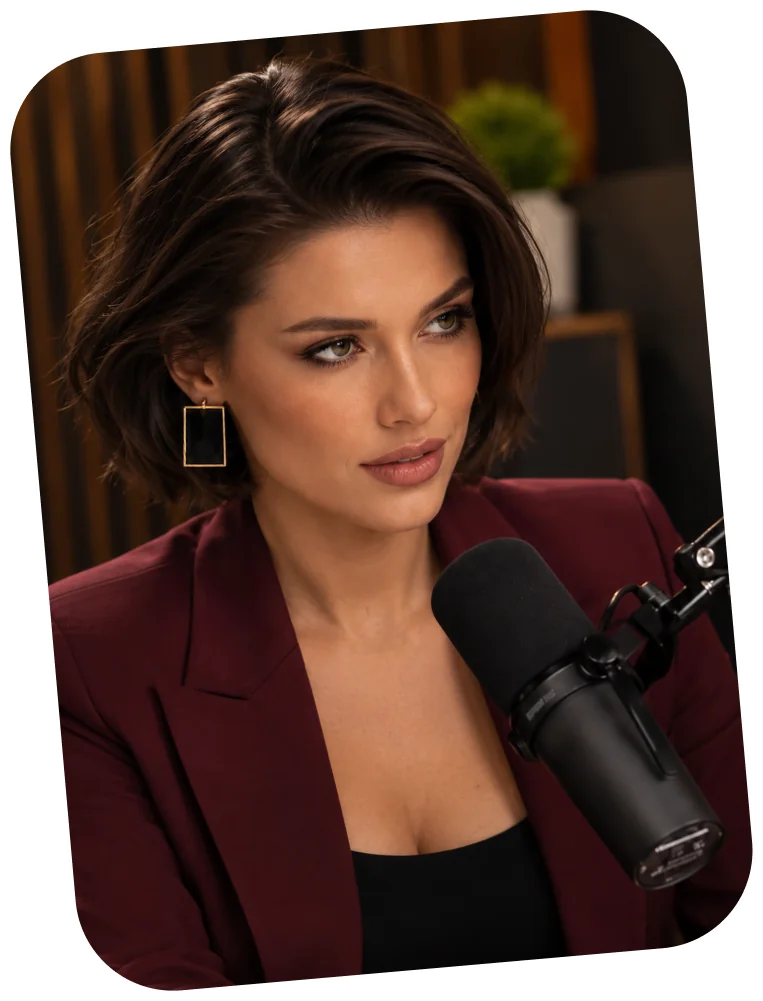
A different place. A different mood. A whole new look. Explore stunning AI scenes and see yourself in ways you never imagined — all from a single photo.
Explore AI ScenesExplore the little things that make creating with PhotoVinci feel effortless.

From timeless portraits to playful transformations. Explore a world of creative templates and turn your everyday photos into something extraordinary.
 A wide variety of creative stylesNew looks and ideas to exploreBeautiful results in just a few taps
Everything you need to know about PhotoVinci. Learn how it works, explore its features, and start creating with confidence.
PhotoVinci is an AI photo app for iPhone. Add a few photos of yourself, pick a template or a scene, and PhotoVinci creates new portraits of you in that style — from professional headshots to travel, lifestyle and creative looks.
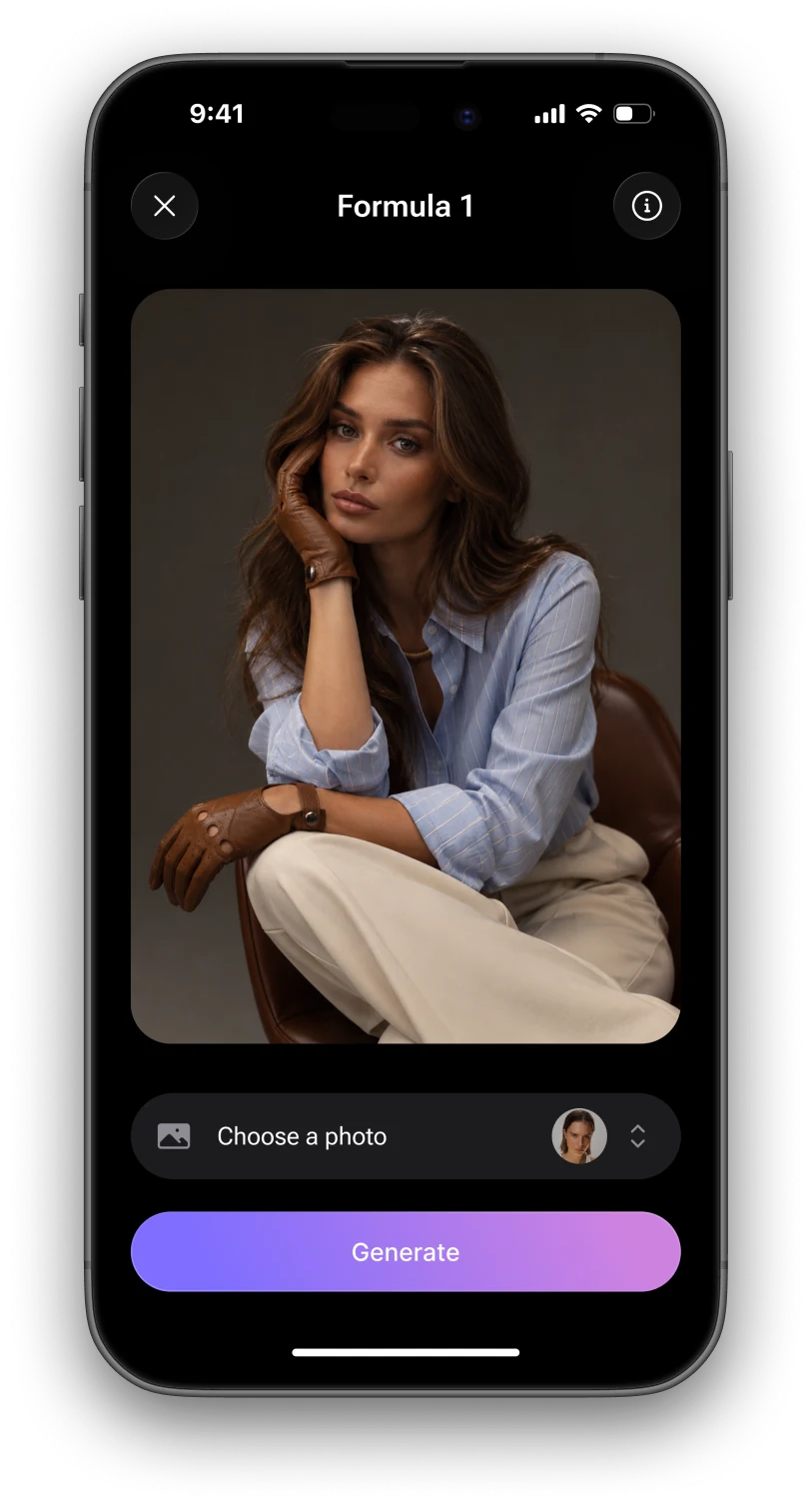
Choose a template or a scene, pick the photos to use, and tap Generate. A scene creates one photo and a template creates a whole set. Your photos are usually ready within a minute or two. You can leave the app meanwhile — if notifications are on, we will let you know when they are done.
A profile keeps one person’s photos together with everything created from them. You can make several and switch between them whenever you like. Only add photos of someone else if they have agreed to it.
Yes. A template creates a whole set of photos in one style, and a scene places you in a single setting. New ones are added regularly, and every profile can use as many as you like.
Your photos are stored in your PhotoVinci account and used to create the images you ask for. Before your first photo, PhotoVinci asks your permission to send them to OpenAI, the AI service that creates the images. Our servers run on Google Cloud (Firebase). You can turn this off anytime in Settings → AI Photo Processing.
Deleting your account removes your photos and every image made from them. Read the privacy policy.
Discover what’s possible with PhotoVinci.
Turn everyday photos into something extraordinary.
